Embarko is inBeta

Deploy With Embarko

Embarko Student Challenge

Register for free

1 / 6
press Enter
Free · takes under a minute · no Embarko account needed
01 — Prizes

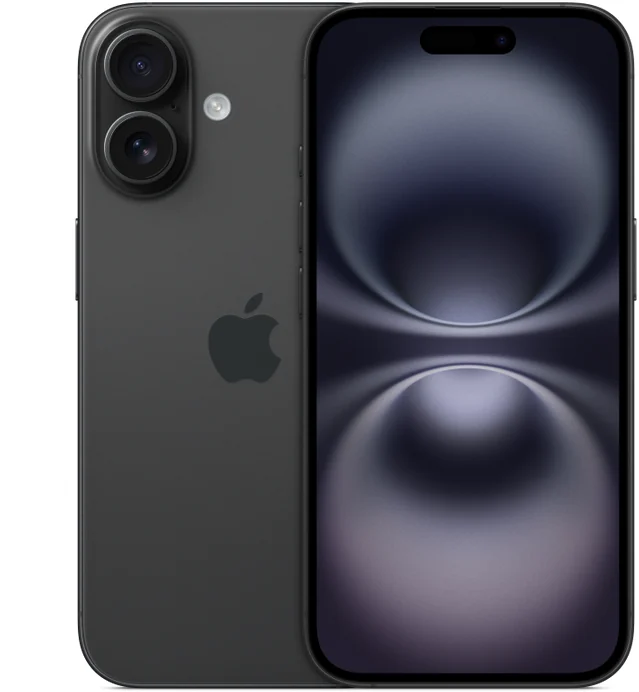
Win an iPhone, AirPods or JBL headphones.

250+ prizes in all. The 11 best entries win gadgets, and the next 250 get Embarko merch.

Apple AirPods
Second prize

Apple AirPods

Apple’s wireless earbuds, for the next five entries.

Ranks 2–65 winners
JBL Tune 720BT
Third prize

JBL Tune 720BT

Wireless over-ear headphones, for the five after that.

Ranks 7–115 winners

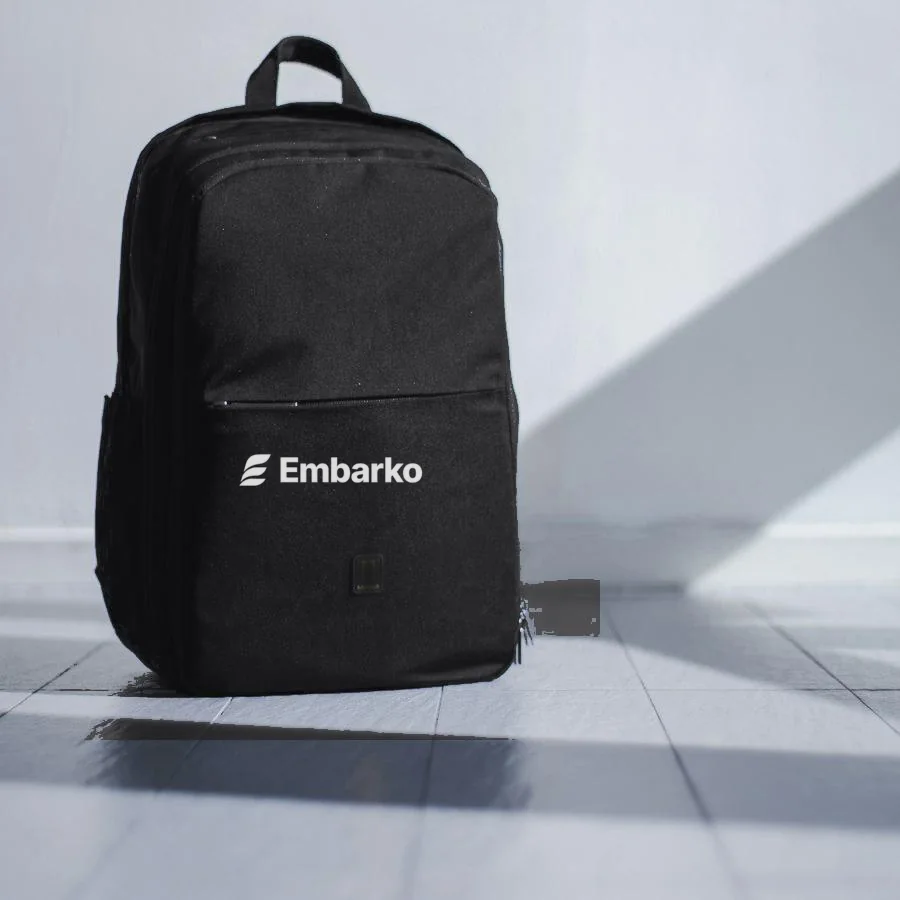
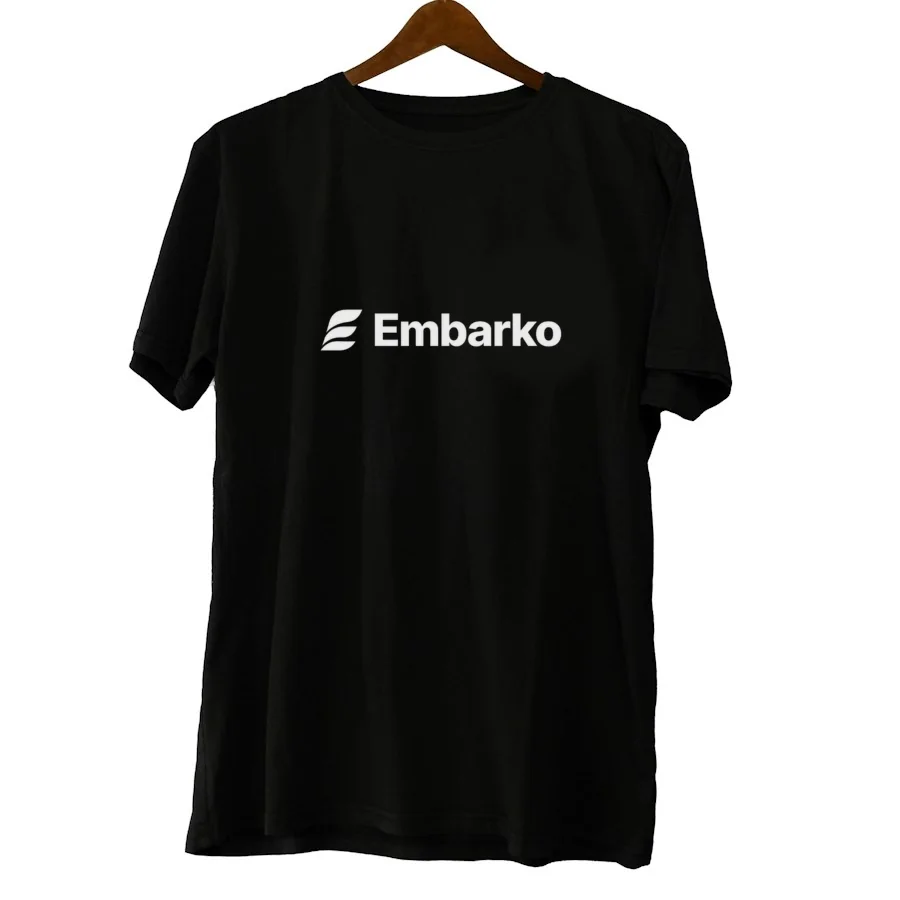
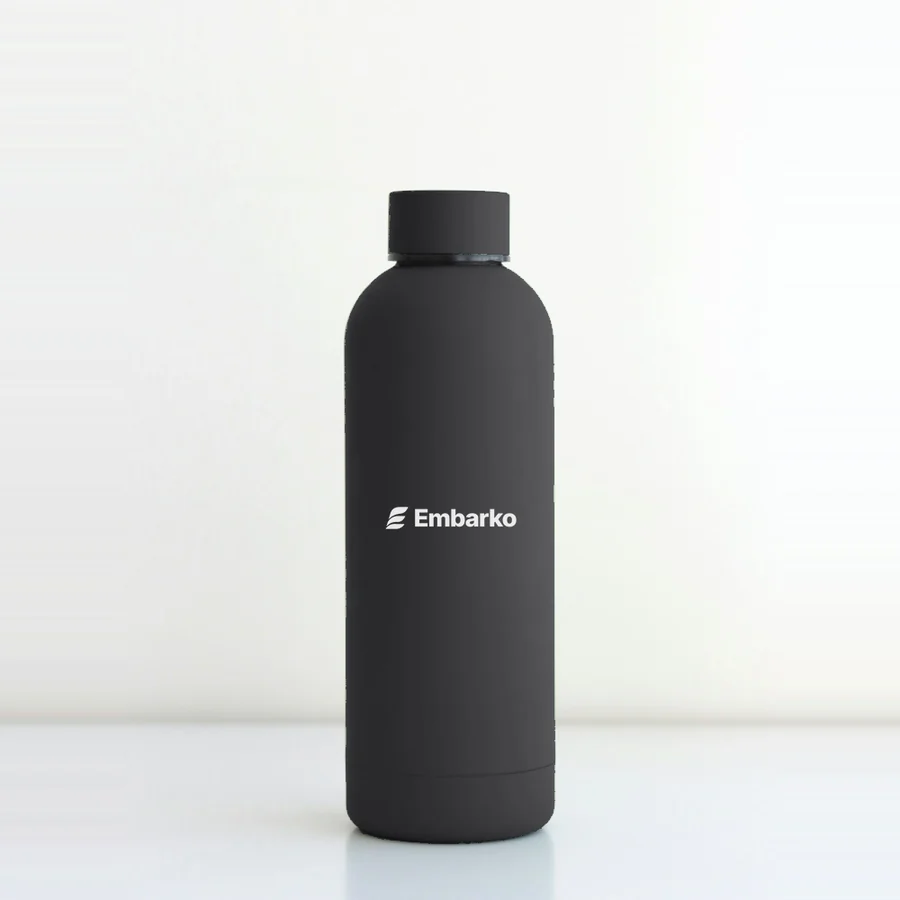
Embarko merch for the next 250

All black, all with the Embarko logo.
  • Black Embarko backpack
    50BackpacksRanks 12–61
  • Black Embarko bottle
    100BottlesRanks 62–161
  • Black Embarko T-shirt
    100T-shirtsRanks 162–261

Merch photos are samples. The real items may look slightly different.

The scoring

How we decide the ranks

Every entry gets two scores. Add them up, and the highest total is Rank 1.

Work+Reach=Rank

Your work

What we look at on your website

  • Looks
  • Original idea
  • Works on phone

How to score high

  • Pick an idea you actually care about. Original beats another to-do app.
  • Polish the details: fonts, spacing and a first screen that wows.
  • In your video, explain how you used Embarko to put it live. Entries that show it score higher.
  • Open it on your phone before you submit. Most judges will.

Your reach

How far your post travels

  • Views
  • Likes
  • Comments
  • Shares

How to score high

  • Post a short video, not a screenshot. Reels and Shorts travel further.
  • Hook people in the first 3 seconds with the best part of your site.
  • Post on Instagram, X and YouTube. Each extra platform adds to your reach, so more chances to win.
  • Post early and share it with friends. Bought likes or bots get you disqualified.

Your rank decides your prize

  • Rank 1 iPhone 16
  • Ranks 2–11 AirPods & JBL headphones
  • Ranks 12–261 Embarko merch
  1. 1Build a beautiful website with any AI and put it live on Embarko.
  2. 2Make a short, eye-catching video of your site, and show how you put it live with Embarko.
  3. 3Post it on Instagram, X and YouTube with #DeployWithEmbarko. More platforms, more chances to win.
Leaderboard opens after judgingKeep your post public until then, so we can count your reach.
02 — How it works

Four steps. That’s it.

No coding needed. Your AI writes the code and puts it online.

  1. Step 1

    Create a website

    Ask any AI, like Claude, ChatGPT or Cursor, to build you a beautiful website.

  2. Step 2

    Deploy it

    Paste the Embarko prompt into your AI. Your site goes live at yourname.embarko.app.

  3. Step 3

    Post it

    Post a short video of your site, and explain how you used Embarko. Use #DeployWithEmbarko. Posting on Instagram, X and YouTube means more chances to win.

    What your video should show

    Around 40 seconds, filmed on your phone or recorded on your screen. Vertical works best for Reels and Shorts. Post it on more than one platform for more reach.

    1. 0–3sHook: show the finished site on screen, with the most eye-catching part first.
    2. 3–15sScroll through it slowly, on a laptop or a phone. Click a few things.
    3. 15–25sSay which AI tool you used and what you asked it to build.
    4. 25–35sShow how you used Embarko: paste the Embarko prompt, and your site goes live on its own link.
    5. 35–40sShow your embarko.app link and end with #DeployWithEmbarko.

    Then post it on Instagram, X or YouTube with #DeployWithEmbarko and your link.

  4. Step 4

    Submit it

    Paste your website link and your post link in the form below.

Say yes when your AI offers to keep your site, or it’s deleted after 24 hours. Stuck deploying? Read the guides

03 — Ideas

No idea what to build? Start from these.

These are just starting points. Use one, mix two, or brainstorm your own. Tap an idea, pick a style and colours, and get a prompt made for you.

Prompt studio · idea 1 of 14

A portfolio that looks like a retro video game

Style
Colours
Add
Your prompt

Build me a beautiful, mobile-friendly website: a portfolio that looks like a retro video game. Your projects as levels, your skills as power-ups. Make it bold and playful, with big type, bright accents and fun hover effects. Use a black & white colour palette. Add smooth animations as you scroll. Make it look great on a phone, and keep all the text easy to edit.

Open in ChatGPT Open in Claude

When your site is ready, ask the same AI to deploy it with the Embarko prompt.

04 — Submit

Done? Submit your entry.

Website live and video posted? Send us your links. Only submitted entries make the leaderboard.

What you’ll send

Your websiteyourname.embarko.app
Your postinstagram.com/reel/…
  • Changed something? Submit again with the same email and number. We judge your latest entry.
  • Posted on more than one platform? Add every link. More posts, more reach, more chances to win.
  • Keep your site live and your post public until the results.
Final check0/3 ready

Built it. Posted it. Now send it in.

What your video should show

Around 40 seconds, filmed on your phone or recorded on your screen. Vertical works best for Reels and Shorts. Post it on more than one platform for more reach.

  1. 0–3sHook: show the finished site on screen, with the most eye-catching part first.
  2. 3–15sScroll through it slowly, on a laptop or a phone. Click a few things.
  3. 15–25sSay which AI tool you used and what you asked it to build.
  4. 25–35sShow how you used Embarko: paste the Embarko prompt, and your site goes live on its own link.
  5. 35–40sShow your embarko.app link and end with #DeployWithEmbarko.

Then post it on Instagram, X or YouTube with #DeployWithEmbarko and your link.