Embarko is inBeta

#DeployWithEmbarko

Embarko Student Challenge

Build an app with AI. Put it live on Embarko. Win 250 prizes.

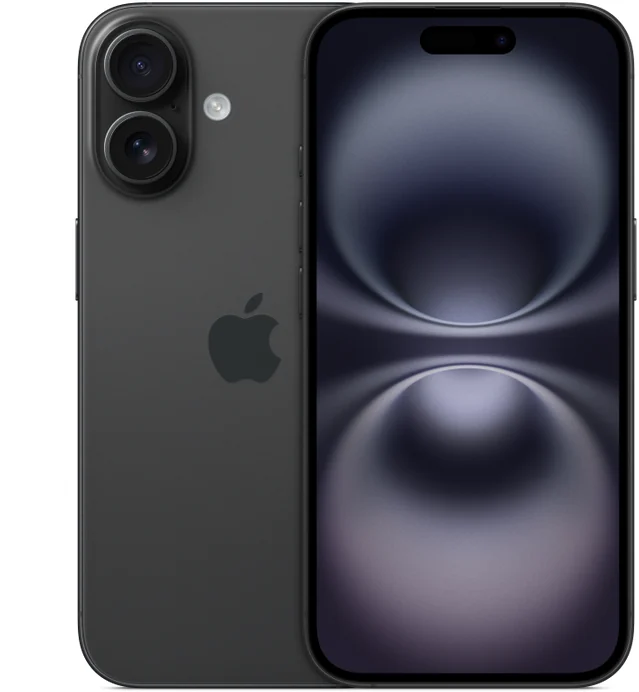
  • iPhone 16
  • PS5 with GTA VI
  • Apple AirPods
  • Backpack
Register free

Register for free

Registration deadline: 30 Nov 2026
press Enter
Question 1 of 9 · Free · takes under a minute · no Embarko account needed
01 — Prizes

Win an iPhone, a PS5 or AirPods.

250 prizes in all. The 8 best entries win gadgets, and everyone after them gets Embarko goodies.

PS5 with GTA VI
Second prize

PS5 with GTA VI

A PlayStation 5 with GTA VI, for the next two entries.

Ranks 2–32 winners
Apple AirPods
Third prize

Apple AirPods

Apple’s wireless earbuds, for the next five entries.

Ranks 4–85 winners

Embarko goodies

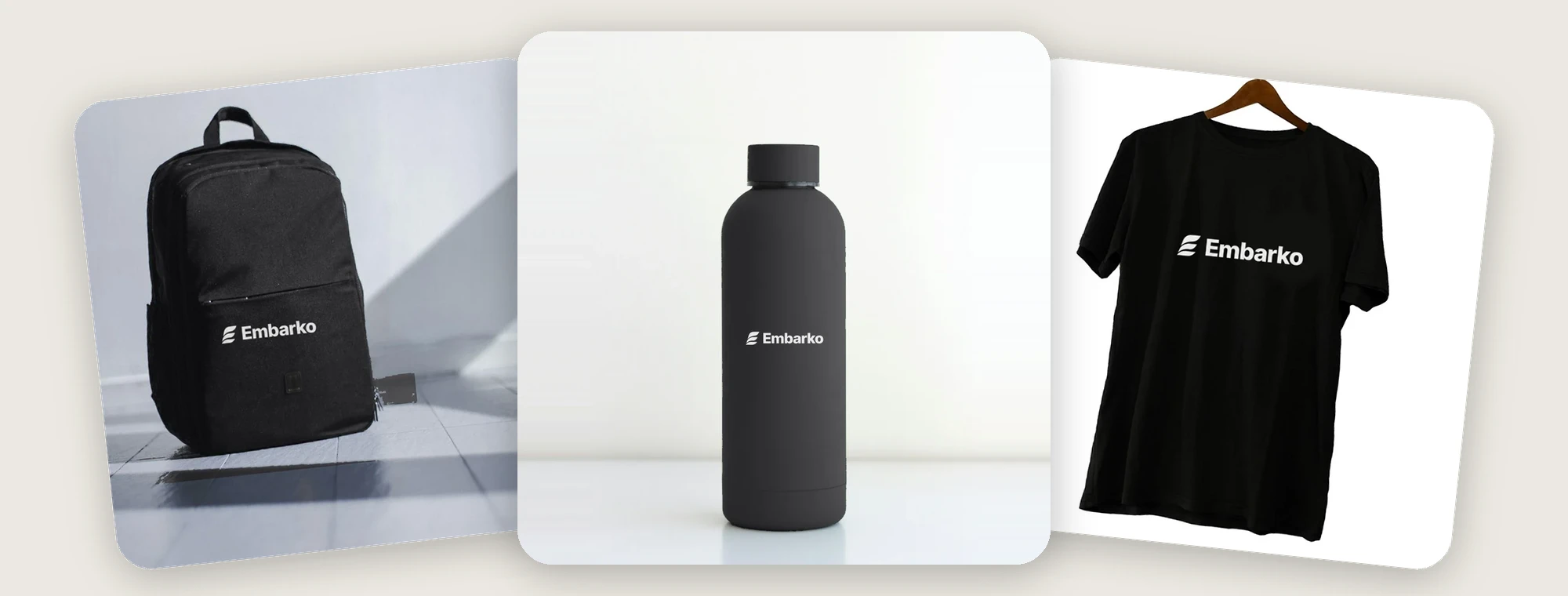
All black, all with the Embarko logo.

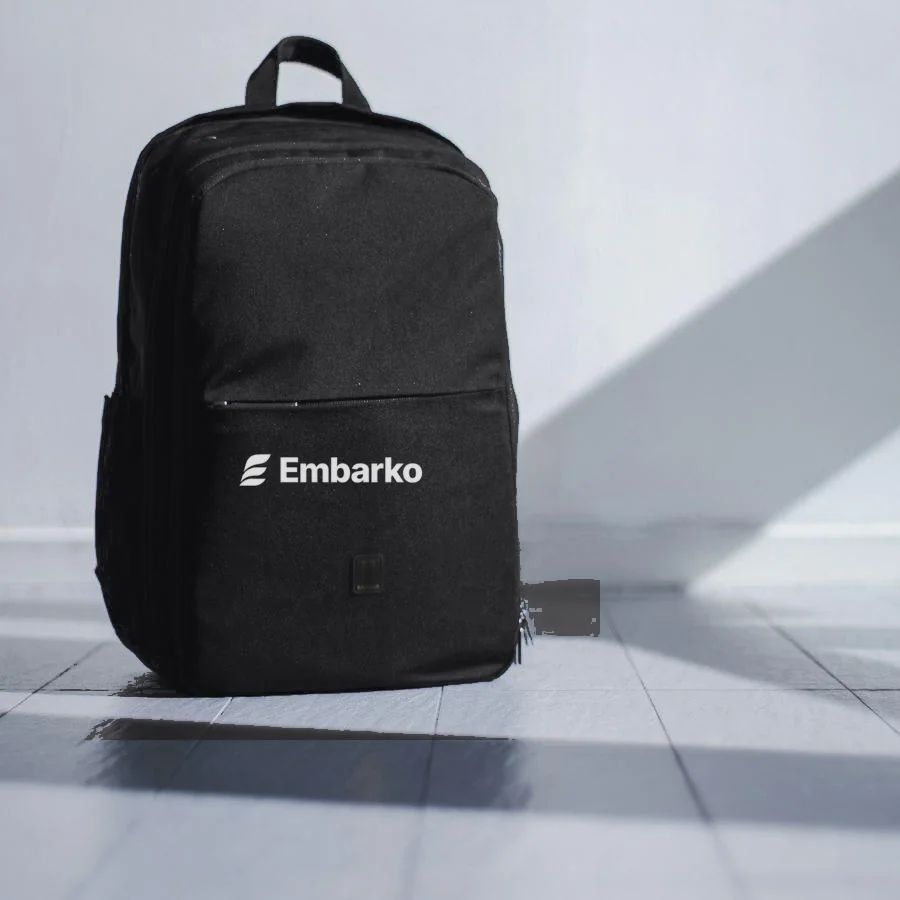
Embarko goodies: a black backpack, bottle and T-shirt, each with the Embarko logo
  • 42BackpacksRanks 9–50
  • 100BottlesRanks 51–150
  • 100T-shirtsRanks 151–250

Goodies photos are samples. The real items may look slightly different.

The scoring

How we decide the ranks

Every entry gets two scores. Add them up, and the highest total is Rank 1.

Work+Video=Rank

Your work

What we look at on your app

  • How the app looks
  • Original idea
  • Works on phone

How to score high

  • Pick an idea you actually care about. Original beats another to-do app.
  • Polish the details: fonts, spacing and a first screen that wows.
  • In your video, explain how you used Embarko to put it live. Entries that show it score higher.
  • Open it on your phone before you submit. Most judges will.

Your video quality

How well your video tells the story

  • Hook
  • Easy to follow
  • Storytelling
  • Shows Embarko

How to score high

  • Hook people in the first 3 seconds with the best part of your app.
  • Keep it simple: someone who has never seen your app should get it in one watch.
  • Tell a small story: the idea, how you built it, then the live result.
  • Show how you put it live with Embarko, and end with #DeployWithEmbarko.

The reach of your posts will also count towards your marks. Post on Instagram, X and YouTube.

Your rank decides your prize

  • Rank 1 iPhone 16
  • Ranks 2–8 PS5 & AirPods
  • Ranks 9–250 Embarko goodies
  1. 1Build a beautiful app with any AI and put it live on Embarko.
  2. 2Make a short, eye-catching video of your app, and show how you put it live with Embarko.
  3. 3Post it on Instagram, X and YouTube with #DeployWithEmbarko. More platforms, more chances to win.
The leaderboard is liveSee where you stand. Keep your post public, so we can count your reach.
02 — How it works

Four steps. That’s it.

No coding needed. Your AI writes the code and puts it online.

  1. Step 1

    Create an app

    Ask any AI, like Claude, ChatGPT or Cursor, to build you a beautiful app.

  2. Step 2

    Deploy it

    Paste the Embarko prompt into your AI. Your app goes live at yourname.embarko.app.

    Watch how to deploy
  3. Step 3

    Post it

    Post a short video of your app, and explain how you used Embarko. Use #DeployWithEmbarko. Posting on Instagram, X and YouTube means more chances to win.

    What your video should show

    Between 40 seconds and 3 minutes, filmed on your phone or recorded on your screen. Vertical works best for Reels and Shorts. Post it on more than one platform for more reach.

    1. Part 1Introduction of your project: who you are, and what you built it for.
    2. Part 2What you built: show the app on screen, scroll through it and click a few things.
    3. Part 3Your experience of using Embarko: how you got the Embarko prompt, and how it felt to use it.
    4. Part 4How you hosted it on Embarko: paste the prompt into your AI, and watch the app go live on its own link.
    5. Part 5The wow factor: the one thing about your project that makes people say wow.
    6. Part 6Show your embarko.app link and end with #DeployWithEmbarko.

    Then post it on Instagram, X or YouTube with #DeployWithEmbarko and your link.

  4. Step 4

    Submit it

    Paste your app link and your post link in the form below.

Say yes when your AI offers to keep your app, or it’s deleted after 24 hours. Stuck deploying? Read the guides

Tutorial

Watch how to deploy.

See an app go from your AI to a live link on Embarko, start to finish. Then do the same with yours.

03 — Ideas

No idea what to build? Start from these.

These are just starting points. Use one, mix two, or brainstorm your own. Tap an idea, pick a style and colours, and get a prompt made for you.

Prompt studio · idea 1 of 14

A portfolio that looks like a retro video game

Style
Colours
Add
Your prompt

Build me a beautiful, mobile-friendly app: a portfolio that looks like a retro video game. Your projects as levels, your skills as power-ups. Make it bold and playful, with big type, bright accents and fun hover effects. Use a black & white colour palette. Add smooth animations as you scroll. Make it look great on a phone, and keep all the text easy to edit.

Open in ChatGPT Open in Claude

When your app is ready, ask the same AI to deploy it with the Embarko prompt.

04 — Submit

Done? Submit your entry.

App live and video posted? Send us your links. Only submitted entries make the leaderboard.

What you’ll send

Your appyourname.embarko.app
Your postinstagram.com/reel/…
  • Changed something? Submit again with the same email and number. We judge your latest entry.
  • Posted on more than one platform? Add every link. More posts, more reach, more chances to win.
  • Keep your app live and your post public until the results.
Final check0/3 ready

Built it. Posted it. Now send it in.

What your video should show

Between 40 seconds and 3 minutes, filmed on your phone or recorded on your screen. Vertical works best for Reels and Shorts. Post it on more than one platform for more reach.

  1. Part 1Introduction of your project: who you are, and what you built it for.
  2. Part 2What you built: show the app on screen, scroll through it and click a few things.
  3. Part 3Your experience of using Embarko: how you got the Embarko prompt, and how it felt to use it.
  4. Part 4How you hosted it on Embarko: paste the prompt into your AI, and watch the app go live on its own link.
  5. Part 5The wow factor: the one thing about your project that makes people say wow.
  6. Part 6Show your embarko.app link and end with #DeployWithEmbarko.

Then post it on Instagram, X or YouTube with #DeployWithEmbarko and your link.

05 — Bonus points

Invite friends. Earn bonus points.

Bonus points are added to your judging score. Share your referral link, and you and your friend both earn as they go.

Points for each friend who joins through your link
When your friend…You getYour friend gets
Registers+1+0.5
Puts an app live on Embarko+5+2.5
Submits their app and video+10+5

On LinkedIn: commented on the post +2 · reposted it +3 on our challenge post. Claim them in My points.

Deploys count when you and your friends sign up on Embarko with the email used for the challenge. A friend is counted once. Friends from any stream can join: B.Com, B.Tech, BA or any other.

My points

See your points and get your referral link. Use the email and mobile number you registered with.

06 — Leaderboard

The leaderboard is live

See who’s on top right now, then find your own rank.

Not on the board yet? Submit your entry or register free. Final ranks are confirmed on 20 November.